
If you have an iPhone and love texting, then you’ve probably seen or used iMessage stickers without even realizing how powerful they are. These fun, customizable visuals can take your conversations from basic to expressive in seconds.
Whether you’re reacting to a message, adding personality to your texts, or just being a little extra, iPhone iMessage stickers are one of the easiest ways to make your messages more engaging.
Click here to see my Pinterest board full of funny memes and iPhone iMessage stickers.
*This post may contain affiliate links, which means I'll receive a commission if you purchase through my link, at no extra cost to you. View the disclaimer page for more information.

What Are iPhone iMessage Stickers
iMessage stickers are images, emojis, or graphics that you can place directly onto messages within a conversation. Unlike regular emojis, stickers can be dragged and dropped anywhere in the chat, layered on top of messages, or even placed on photos.
They give you a more creative way to communicate and react without typing a single word.
How to Use iMessage Stickers
Using iPhone iMessage stickers is simple once you know where to find them.
Open your iMessage conversation and tap the App Store icon next to the text box. From there, you’ll see different apps, including your stickers and emoji options.
You can:
• Tap a sticker to send it
• Drag and drop a sticker onto a message
• Resize or rotate the sticker for a custom look
• Layer multiple stickers for a fun effect
It’s a quick way to add personality to your conversations.
Where to Find iMessage Stickers
There are several places to find stickers on your iPhone:
• Built in emoji stickers
• Memoji stickers (custom avatars of yourself)
• Sticker packs from the App Store
• Third party apps
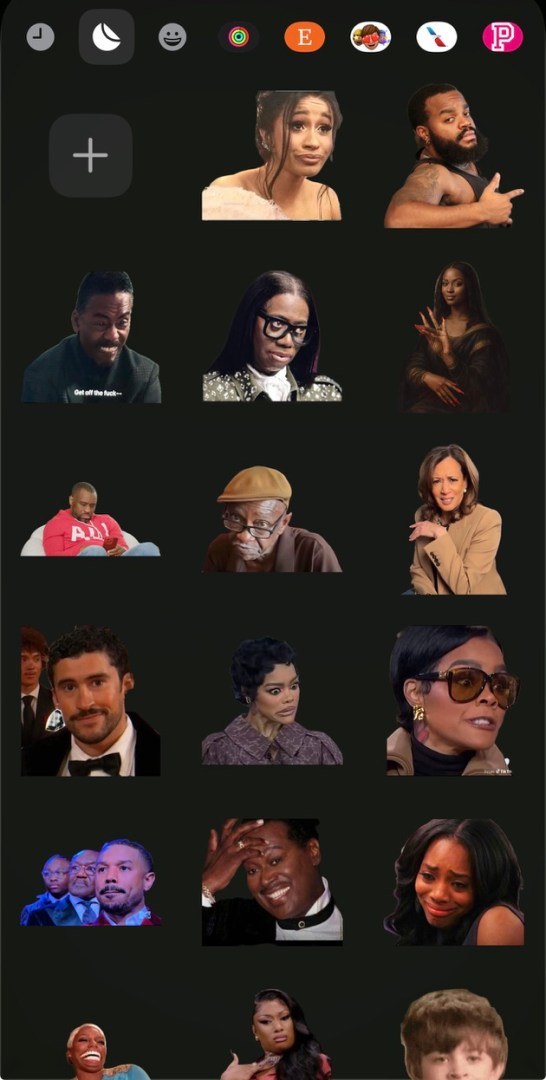
You can even create your own stickers using photos, which makes your messages even more personal.
Why People Love iMessage Stickers
They add personality.
Sometimes a sticker says exactly what you’re thinking without needing words.
They make conversations more fun
Stickers bring energy and humor into everyday texting.
They’re customizable
From Memojis to custom photo stickers, you can make them feel unique to you.
They’re perfect for reactions
Instead of typing “lol” or “wow,” you can drop a sticker and keep the conversation flowing.
Creative Ways to Use iMessage Stickers
If you want to level up your texting, here are a few ideas:
• React to messages with expressive stickers
• Add stickers to photos before sending them
• Use Memojis to represent your mood
• Create inside jokes with custom stickers
• Layer stickers for dramatic reactions
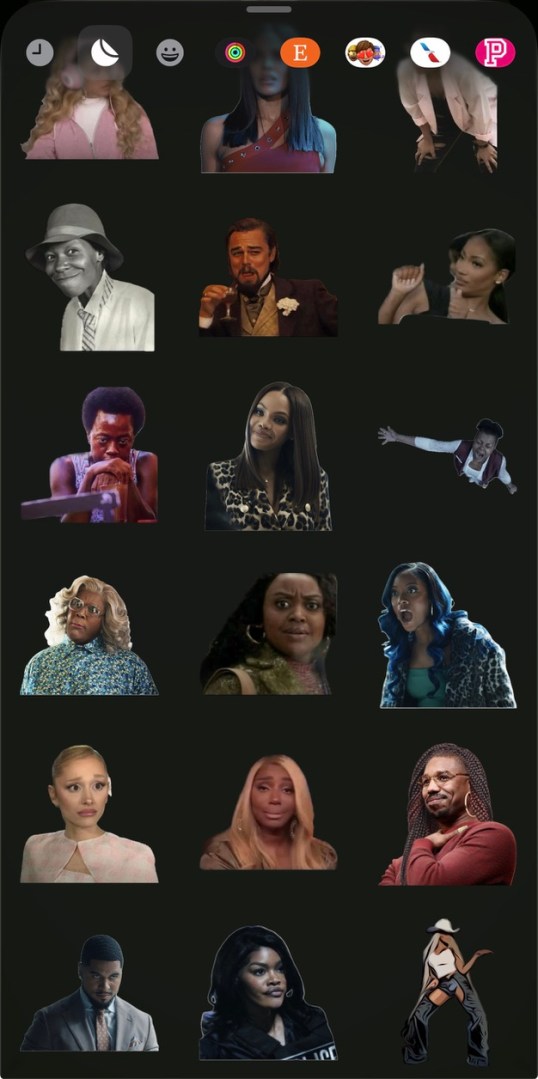
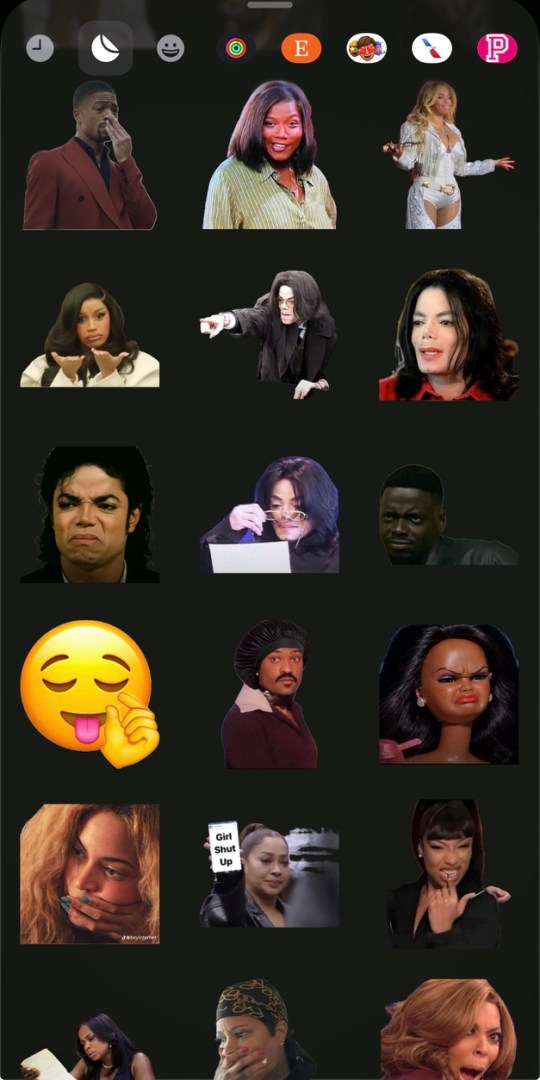
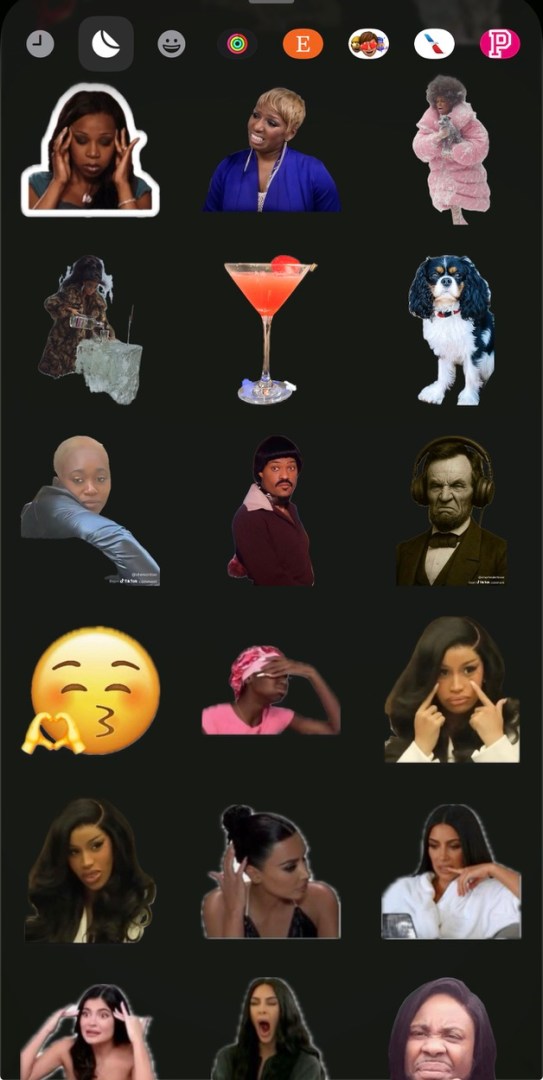
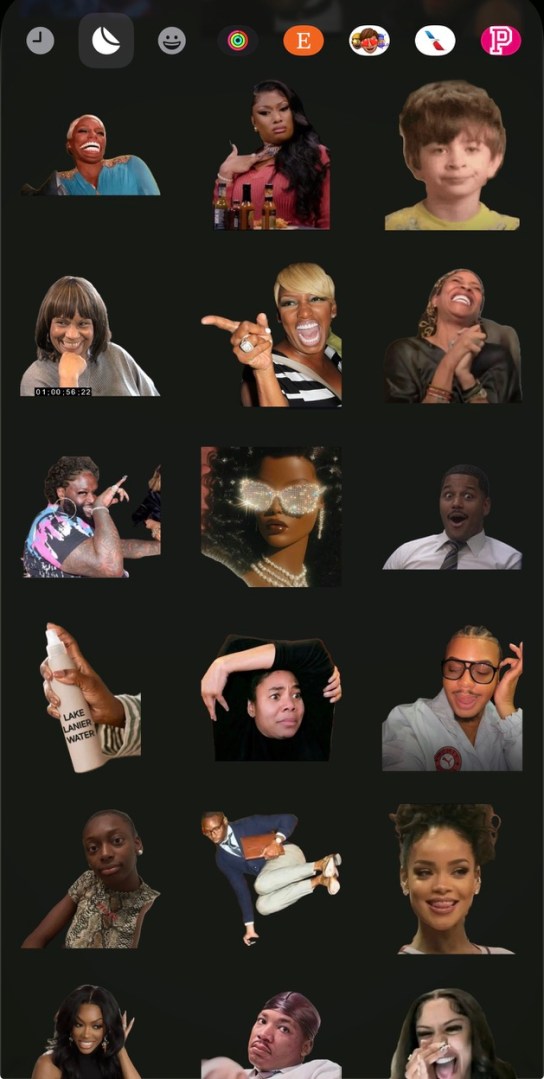
My Favorite iMessage Stickers





Final Thoughts
iPhone iMessage stickers are a simple but fun way to make your messages more expressive and engaging. Once you start using them, it’s hard to go back to plain texts.
Whether you’re texting friends, family, or even using them in group chats, stickers help you communicate in a way that feels more personal and creative.
So if you haven’t been using them yet, this is your sign to start.


